
Your first swarm
For users comparing multiple ULog files. The biggest visual payoff.
If you haven't installed Hawkeye yet, see Installation first.
hawkeye --replay drone1.ulg drone2.ulg drone3.ulgHawkeye pre-scans each log and decides how to lay out the drones in the scene. If the logs have clean, compatible home positions and no conflicts, drones render in Formation mode at their real GPS positions automatically. No prompt, playback starts right away.
If Hawkeye detects a conflict (shared launch point, drones more than 1 km apart, or missing position data), it shows a deconfliction prompt before playback starts with three resolution modes:
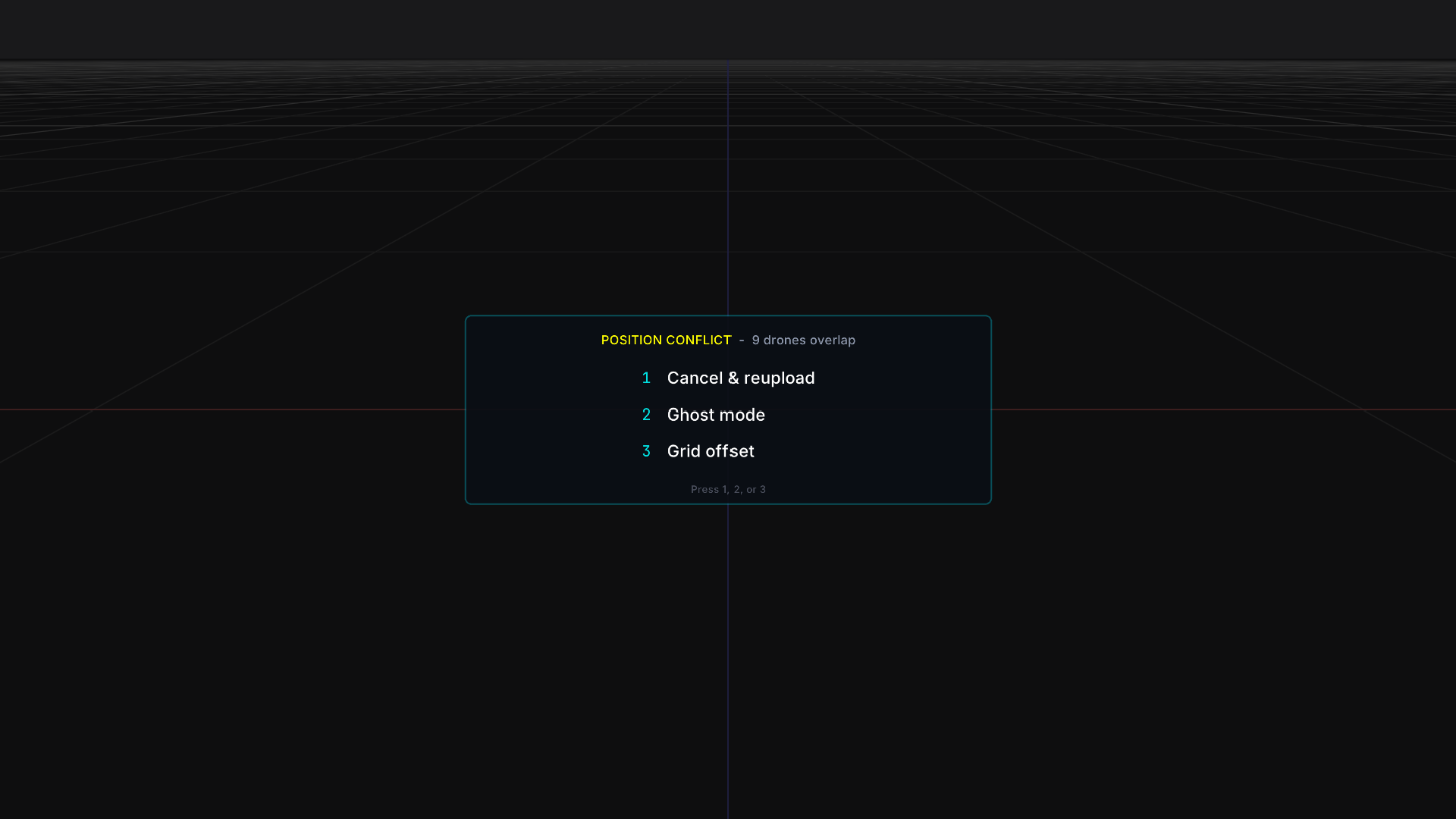
- Ghost: non-primary drones rendered at 35% opacity. Best for before/after comparison of the same mission.
- Grid Offset: drones spaced +5 m apart for visual separation. Best when drones share a launch point.
- Narrow Grid: drones from distant locations collapsed to one view. Best for comparing flights from different test sites.
Pick one with arrow keys and Enter. All drones now replay together. Formation isn't in this list because it wouldn't produce a sensible view when conflicts exist; it's only available automatically when no conflict is detected.
During playback, try:
Tcycles trail rendering modesShift+Tcycles correlation overlays (line, curtain)Atoggles takeoff alignment (synchronize all drones to their detected takeoff moments)Shift+1throughShift+9pins a secondary drone to the HUD sidebar for correlation statisticsPcycles the view mode (Formation / Ghost / Grid Offset / Narrow Grid), with Formation skipped if conflicts were detected at load time
Next steps
- Multi-Drone Replay — Full deconfliction, takeoff alignment, and correlation analysis walkthrough
- In-World Indicators — Trails, ground track, correlation line and curtain overlays
- The HUD — Console and Tactical HUD modes